
Install for Windows
TIP
If you want to learn about other installation method, please visit Installation.
下载
Install
It is recommended to install Koishi from the installer, which would deal with most of the problems automatically. You should choose this method in general.
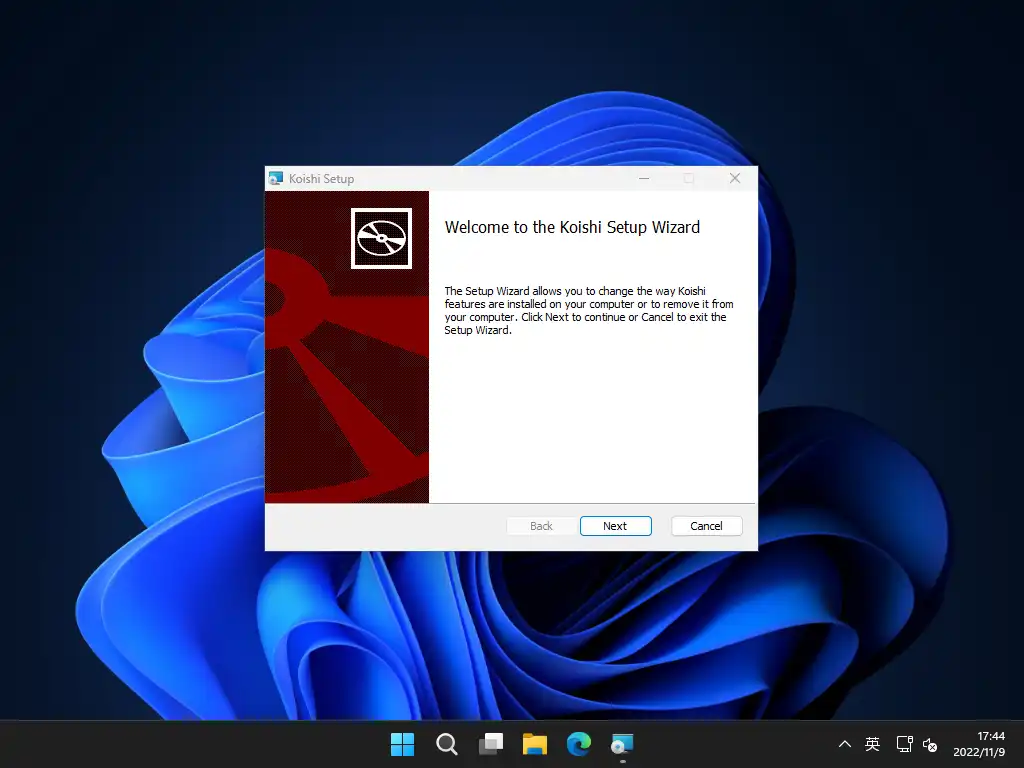
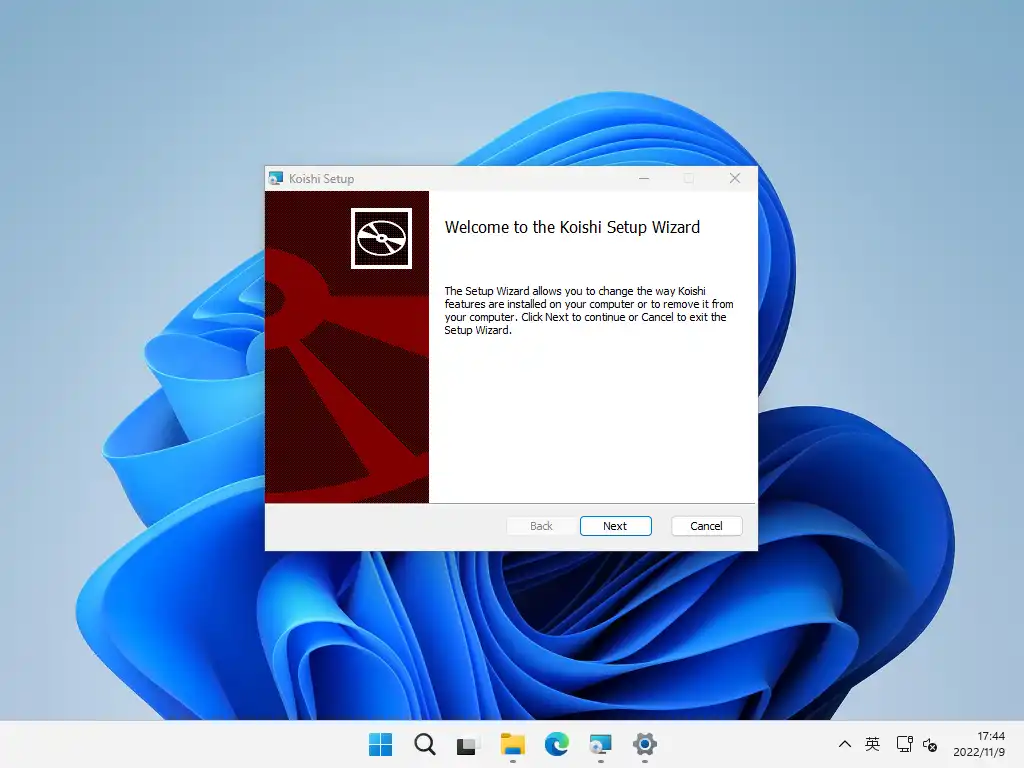
双击安装包并一路点按「Next」,等待安装过程结束,你便可以在「开始」菜单中找到 Koishi 了。
TIP
The installation might cost more than 10 minutes on some devices, please be patient.
启动
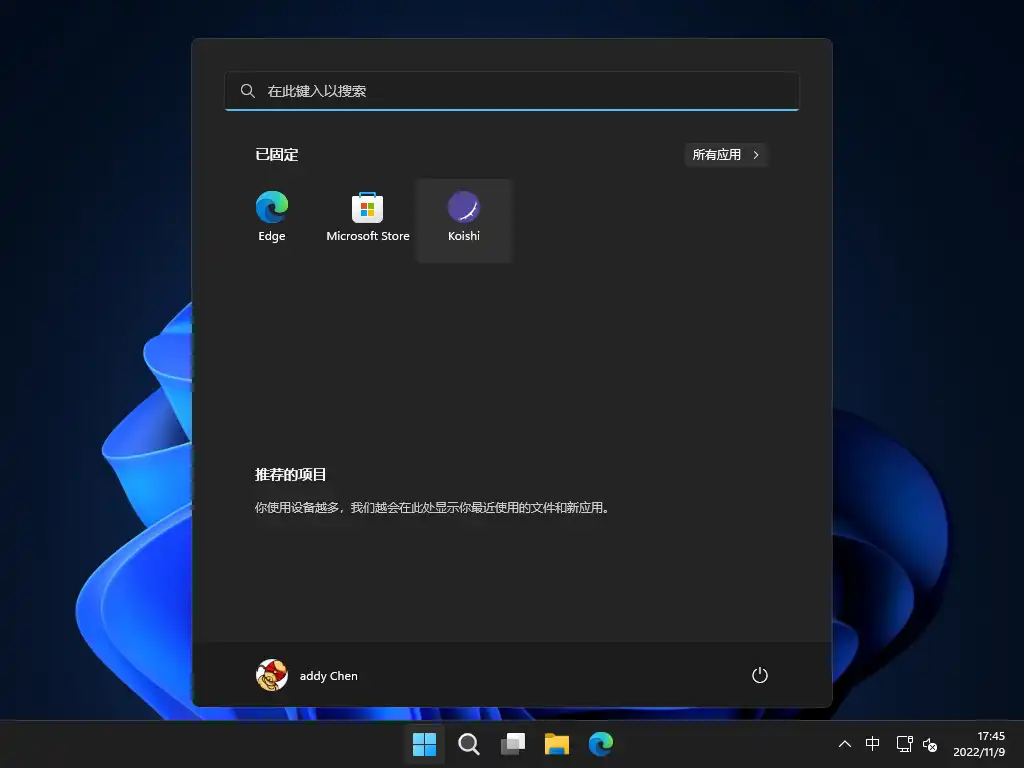
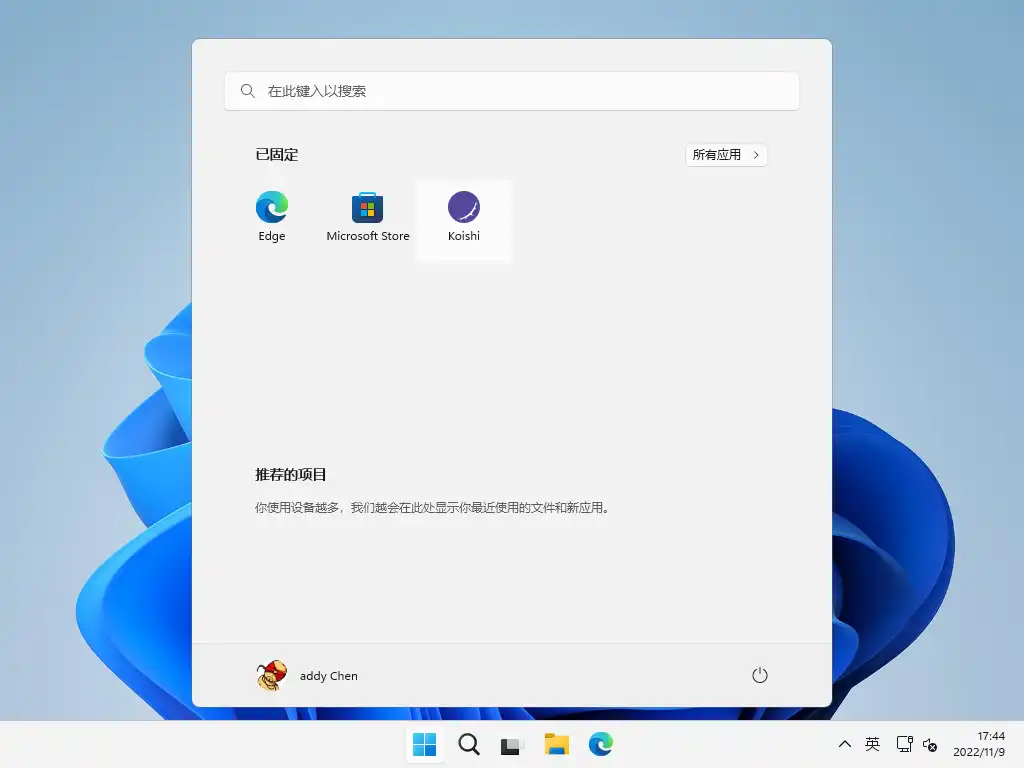
安装完成后,点击 Koishi 图标即可启动。The Koishi Console would be opened after a few seconds. Now you can start using Koishi.
Other Downloads
Could not find an installation package suitable for you? You could choose to use in a container or create template project.